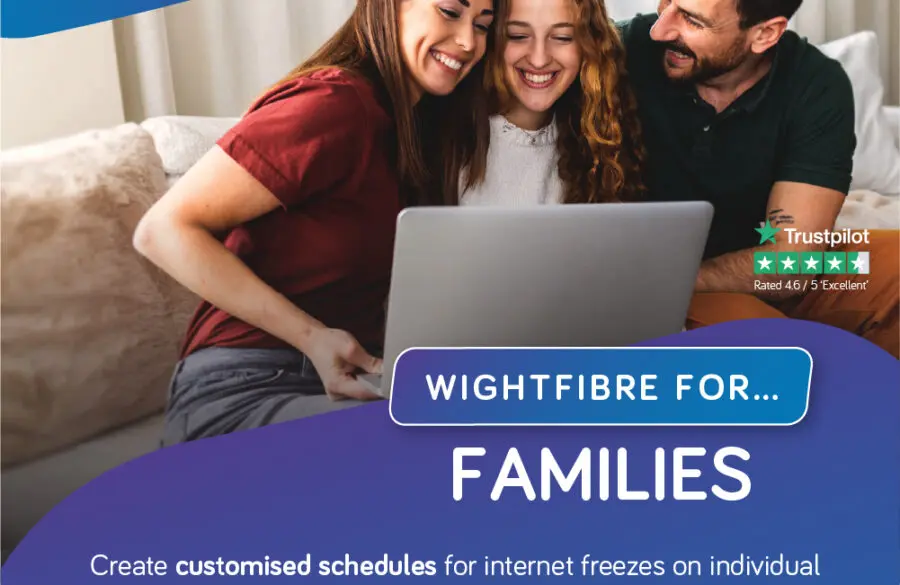
Broadband For Families
 SHARE
SHARE


Keeping Everyone Connected
Family life is busy, and so is the average home broadband connection. From streaming films and playing games to completing homework and joining video calls, everyone may be online at the same time.
So, what is the best broadband for families? It needs to be reliable, fast enough for several people and devices to use at once, and supported by good Wi-Fi coverage throughout the home. This guide explains how to choose the best broadband for families and make the most of your home connection.
Broadband for Busy Family Homes

A typical family home may have smartphones, tablets, laptops, smart TVs, games consoles and other connected devices online throughout the day. As more devices are added, choosing the right broadband package becomes even more important. One person could be watching a film whilst another is attending an online lesson. At the same time, someone else might be working from home, playing an online game, or making a video call.
If your broadband cannot keep up with several activities at once, you may experience buffering, slow downloads, or interruptions. Reliable full-fibre broadband can support the whole household, whether your family is streaming, gaming, studying, or working from home.
What should families look for
When choosing the best broadband for families, it is worth looking beyond the headline download speed. Consider how many people use the internet, how many devices are connected, and what your household normally does online. Good family broadband should provide a reliable connection for everyday use, enough capacity for multiple devices, good upload and download performance, consistent Wi-Fi coverage around the home, and features that help you manage connected devices.
Upload speed is important for video calls, sending files and saving photos or documents to the cloud. With WightFibre full-fibre broadband, the upload speed is the same as the download speed for each package.
Helping to Keep Your Family Safe Online

A connected home should also be a safe home. WightFibre’s Plume Home features include parental controls that allow parents to manage devices, set access schedules and help filter age-inappropriate content.
Parents can assign devices to individual family members, set usage boundaries, limit screen time, and freeze access when needed.
Plume Home also includes security features designed to help protect connected devices from cyber threats, unwanted adverts and high-risk websites. It can monitor traffic, block known threats and quarantine suspicious devices, helping your family enjoy a safer online experience.
Better Wi-Fi Throughout Your Home

Even with a fast broadband connection, Wi-Fi coverage can vary between rooms. Distance from the router, thick walls, furniture and other electronic equipment can all affect the signal. Place your router in an open central position where possible, rather than inside a cupboard. If some rooms have a weaker signal, Whole Home Wi-Fi can provide more consistent coverage throughout your home.
WightFibre’s Plume Home app can also help you see which devices are connected and understand how your family is using the network. Traffic Boost can prioritise activities such as streaming, gaming, or video calls when you need extra confidence in your connection.
Broadband That Works for the Whole Family
The best broadband for families is broadband that fits around the way your household lives. It should support homework, streaming, gaming, video calls, smart-home devices, and online safety without making everyone compete for the connection.
WightFibre’s full-fibre broadband helps keep busy households connected, while Plume Home and Whole Home Wi-Fi can help you manage and use your connection throughout the home. With the right package, families can stay connected confidently whilst managing devices, screen time, and online safety all in one place.
For more information about broadband speeds and internet services, visit Ofcom.