Why Does Wi-Fi Slow Down?
 SHARE



Few things are more frustrating than slow Wi-Fi, you are half way through a video call, your TV starts buffering, or your game suddenly lags – and you start wondering if your broadband has stopped working. But why does it slow down? There is not always one simple answer to this.
It can be caused by the distance between your device and router, network congestion, the number of connected devices, your equipment, or even the layout of your home.
Here are 8 common causes of slow Wi-Fi and what you can do about them.
You Are Too Far From the Router
One of the simplest explanations for slow Wi-Fi is distance. Signals can become weaker as they travel further from your router. If your router is downstairs and your home office is upstairs at the opposite side of the house, your signal may not receive the same quality of signal as a device sitting next to the router. Walls, floors, and furniture can also affect performance.
Your Home Has Dead Spots
Large homes can be particularly challenging, you might have excellent connectivity in your living room but struggle in a bedroom, loft conversion, or garden office. These areas are often referred to as dead spots. Whole-home systems can help extend coverage and provide a more consistent connection around the property. WightFibre’s Whole Home Wi-Fi solution uses Plume technology and is designed to provide reliable connectivity throughout the home.
Too Many Devices Are Connected
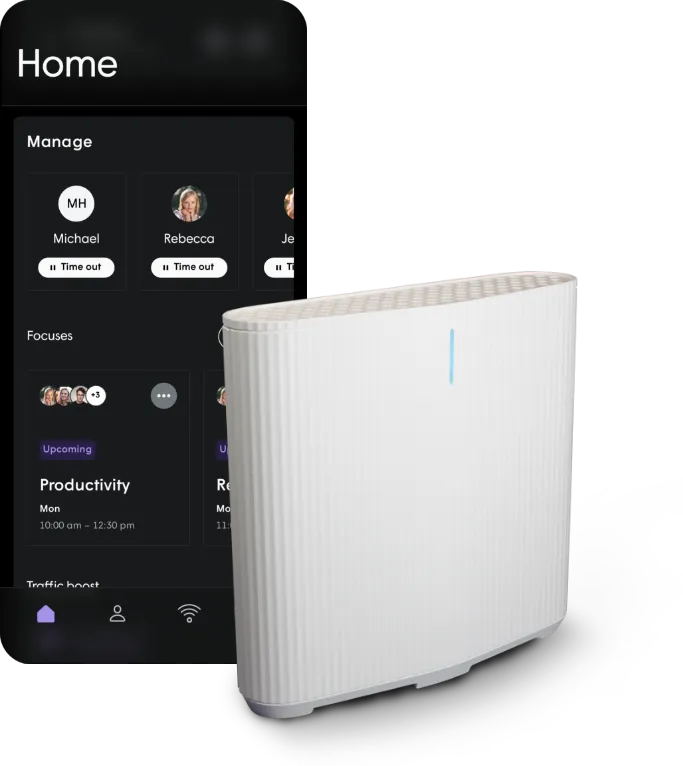
How many devices are connected right now? You might have phones, consoles, laptops, tablets, smart TVs, speakers, and cameras all using the same network. The more devices that are actively using your connection, the more demand there can be on your network. WightFibre’s Plume Home system allows customers to see connected devices and manage their home network.
Someone Is Using Lots of Bandwidth
Sometimes your Wi-Fi has not actually become slower – somebody else is simply using a large amount of your available bandwidth. For example, someone could be downloading a large game while another person is streaming a 4K video and you are trying to join a video call.
WightFibre’s Traffic Boost feature can prioritise activities such as gaming, streaming, and video calls, or prioritise individual devices or users.
Your Router May Be in the Wrong Place
Where you put your router can make a surprising difference. Avoid placing it:
- Inside a cupboard
- Behind a television
- On the floor
- Behind large furniture
- In an enclosed area
Instead try to position your router somewhere open and reasonably central.
Keeping your router secure and up to date can improve both performance and security, and the NCSC provides useful home network security advice for households.
Your Device Could Be the Problem
If only one device is experiencing low internet, the problem might not be your broadband. Older phones, laptops, and tablets may have older technology. Your device could also be running outdated software or have other performance problems. Try testing another device on the same network and if the original device is slow while everything else works normally, the device itself may be the issue.
Your Broadband Connection May Not Be Fast Enough
If your entire household regularly struggles when multiple people are online, your broadband package may not provide enough capacity. WightFibre offers full-fibre packages from 100 Mbps to 900 Mbps, with guaranteed upload and download speeds on its residential packages. Upgrading can give your household more capacity to share.
Your Technology Could Be Outdated
Technology changes quickly and older routers may not be designed to manage the number of devices found in modern homes.
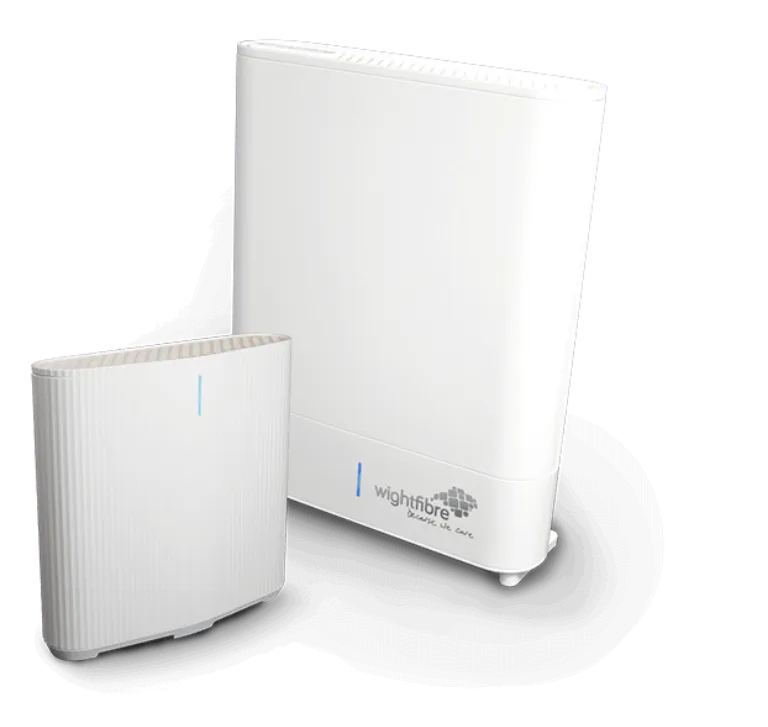
WightFibre’s current Hub technology works with the Plume Home to provide intelligent Wi-Fi, with the system designed to optimise bandwidth as devices connect and disconnect.
How Can I Make My Wi-Fi Faster?
Start by checking your router position and testing different devices. If the problem is caused by coverage, consider whole-home Wi-Fi. If the issue is caused by too many people using the connection at once, you may need more broadband capacity. If your current broadband connection uses older technology, moving to full-fibre could provide a significant upgrade.